Project Instructions
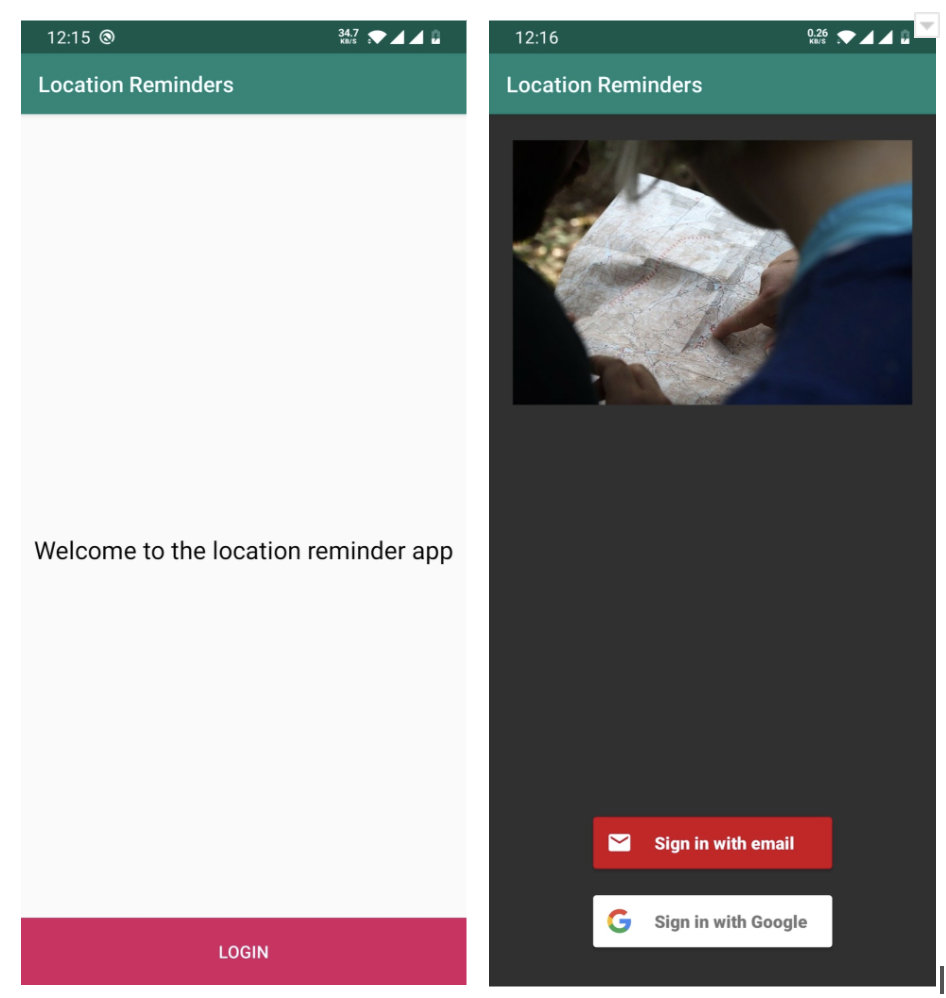
- Create a Login screen to ask users to login using an email address or a Google account. Upon successful login, navigate the user to the Reminders screen. If there is no account, the app should navigate to a Register screen.
- Create a Register screen to allow a user to register using an email address or a Google account.
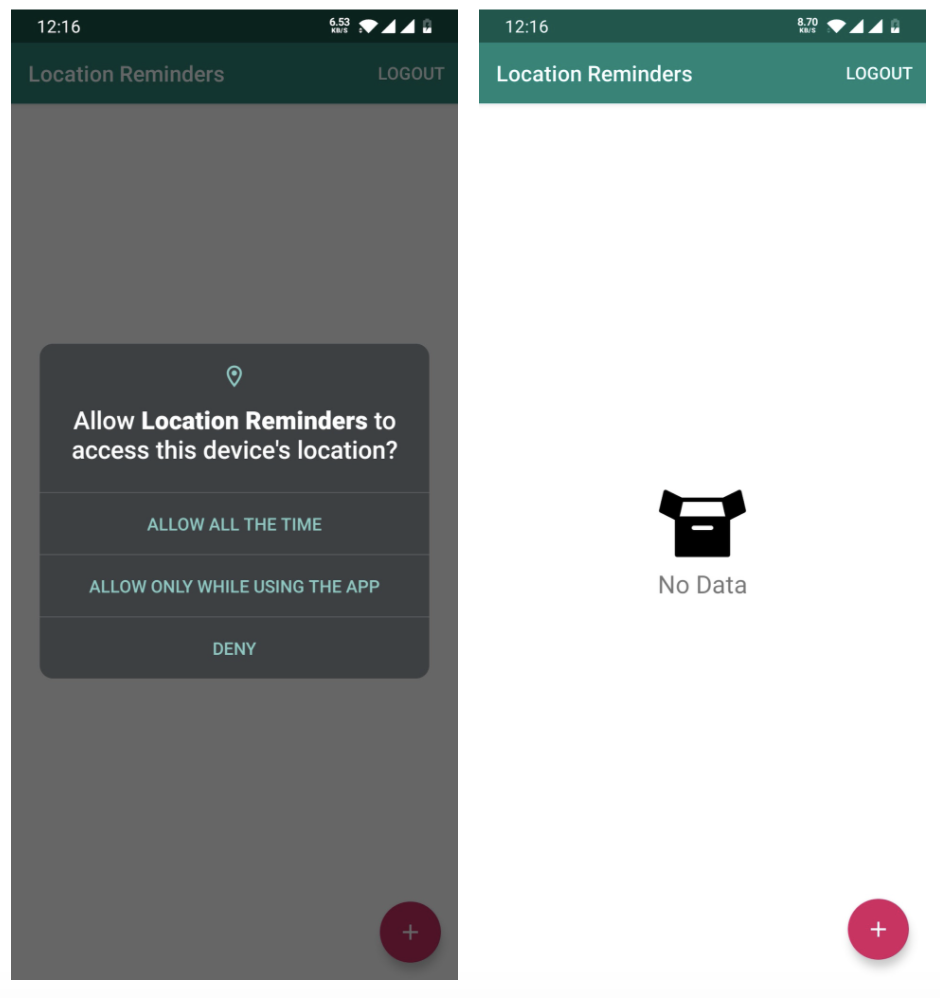
- Create a screen that displays the reminders retrieved from local storage. If there are no reminders, display a "No Data" indicator. If there are any errors, display an error message.
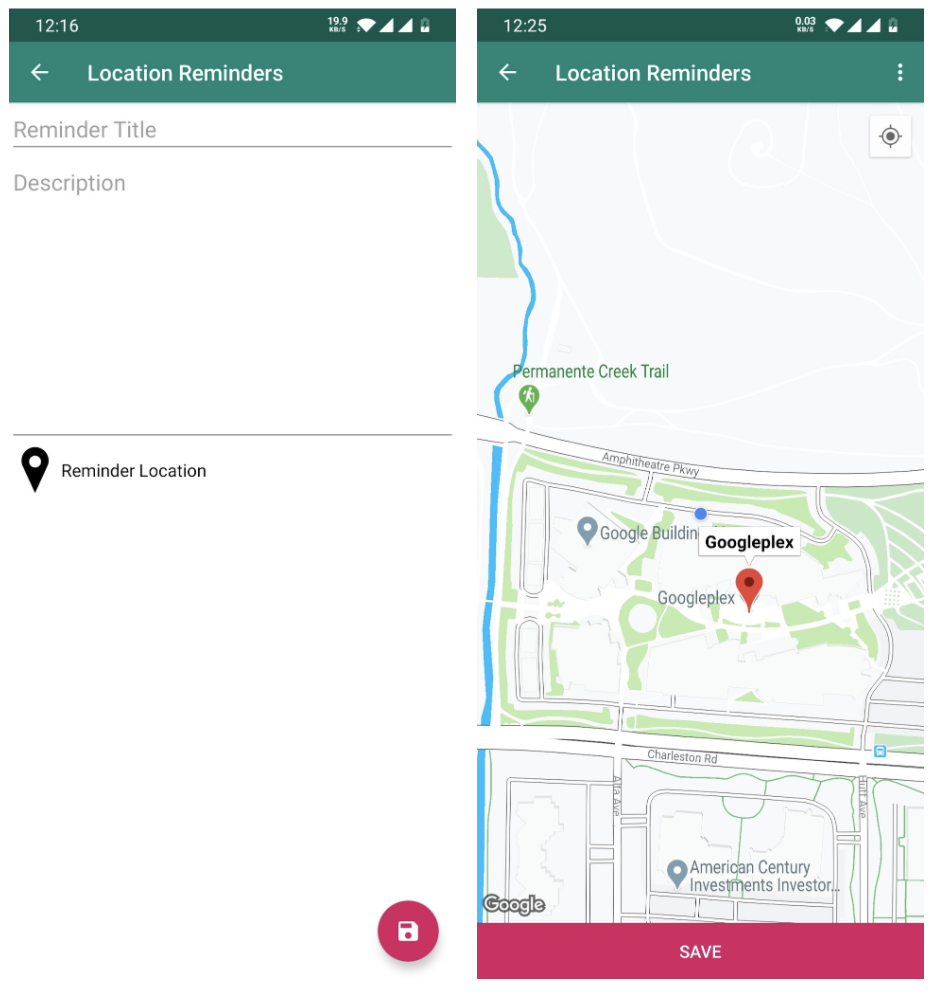
- Create a screen that shows a map with the user's current location and asks the user to select a point of interest to create a reminder.
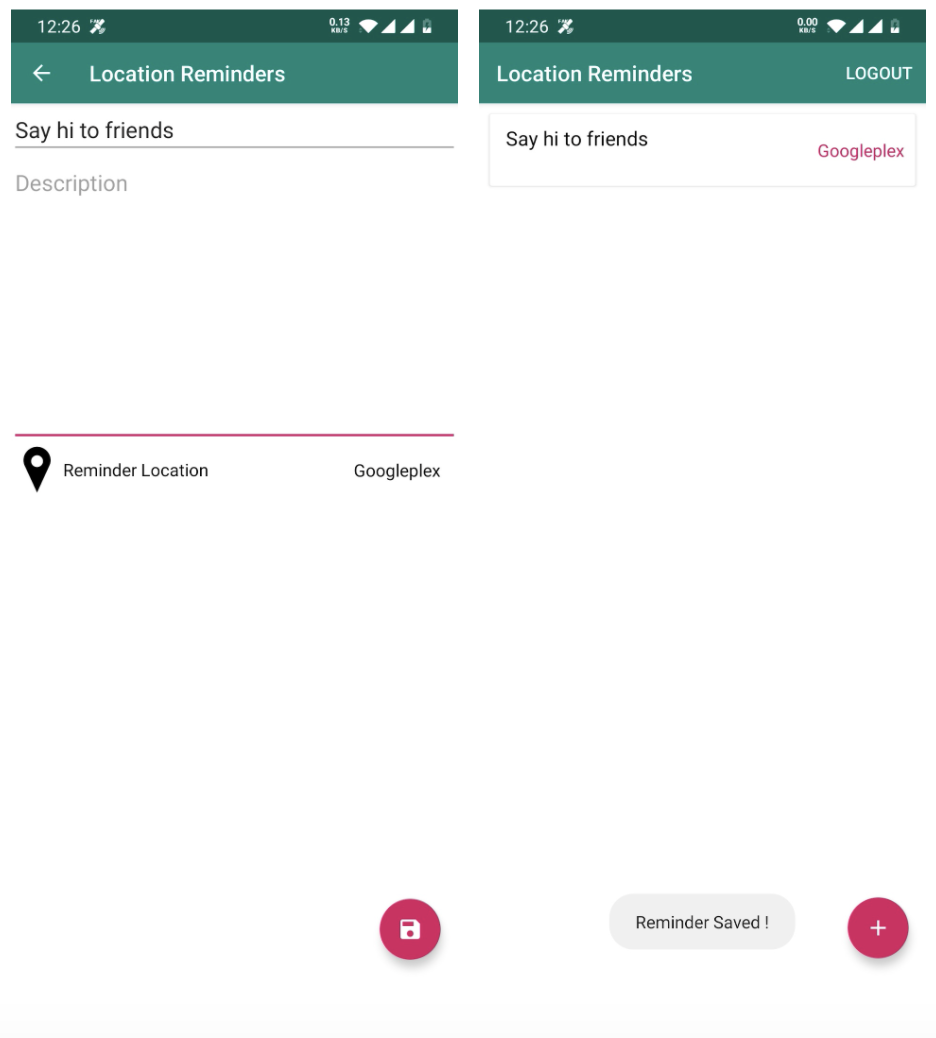
- Create a screen to add a reminder when a user reaches the selected location. Each reminder should include
- title
- description
- selected location
- Reminder data should be saved to local storage.
- For each reminder, create a geofencing request in the background that fires up a notification when the user enters the geofencing area.
- Provide testing for the ViewModels, Coroutines and LiveData objects.
- Create a FakeDataSource to replace the Data Layer and test the app in isolation.
- Use Espresso and Mockito to test each screen of the app:
- Test DAO (Data Access Object) and Repository classes.
- Add testing for the error messages.
- Add End-To-End testing for the Fragments navigation.
Student Deliverables
- APK file of the final project.
- Git Repository or zip file with the code.
A sample of the output images